

Meet alex & discover jobs that match you
Looking for your next step, but not sure where to start? alex helps you find relevant career opportunities, even without an updated CV. You simply start a conversation, and based on your answers, alex suggests jobs that fit your profile with a clear explanation why.
You'll get
- Matches that fit your profile
Receive personalised suggestions in life sciences, engineering, digital or business consulting, with a short explanation that shows why each role aligns with your experience and ambitions.
- Start the conversation in minutes
Begin with a simple chat with alex, with no CV required, and share your background in the way that feels natural and comfortable for you.
- Stay updated with new opportunities
Alex keeps an eye on new roles that match your profile and sends you updates whenever something relevant becomes available.
:format(webp))
Your path to better matches in 4 steps
Start the conversation
Begin with a short chat and share your background using your CV, your LinkedIn profile or a few simple questions, so alex can understand who you are and what you are looking for.
Get personalised matches
alex analyses what you share and presents relevant opportunities with a clear explanation of why each role could fit your experience, ambitions and preferred way of working.
Give feedback to improve your profile
Review your suggested roles and share what feels right and what does not, so alex can learn from your feedback and refine your profile with every choice you make.
Stay updated with new opportunities
Alex keeps your profile in mind and monitors new roles that might suit you, then reaches out with updates whenever something relevant or promising becomes available.
How alex guides you, step by step
Curious how it all works behind the scenes? This overview shows every step alex takes to build your profile and find matches for you.
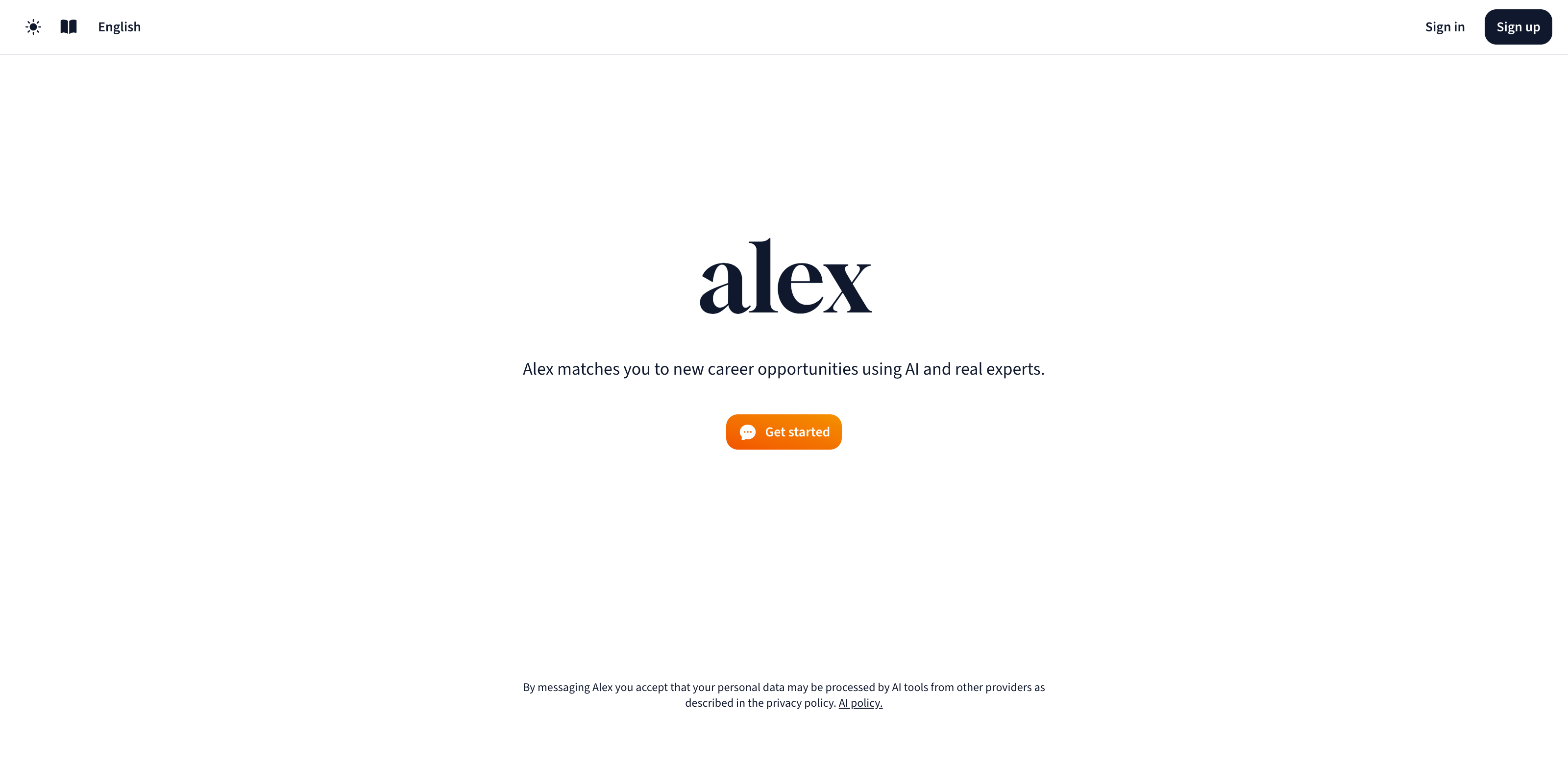
1. Welcome to alex
alex is your personal career assistant. It helps you explore job opportunities in life sciences, engineering, digital or business consulting that match your experience, ambitions and way of working.
You start with a clean, simple screen and one button: Get started.
2. Start the conversation
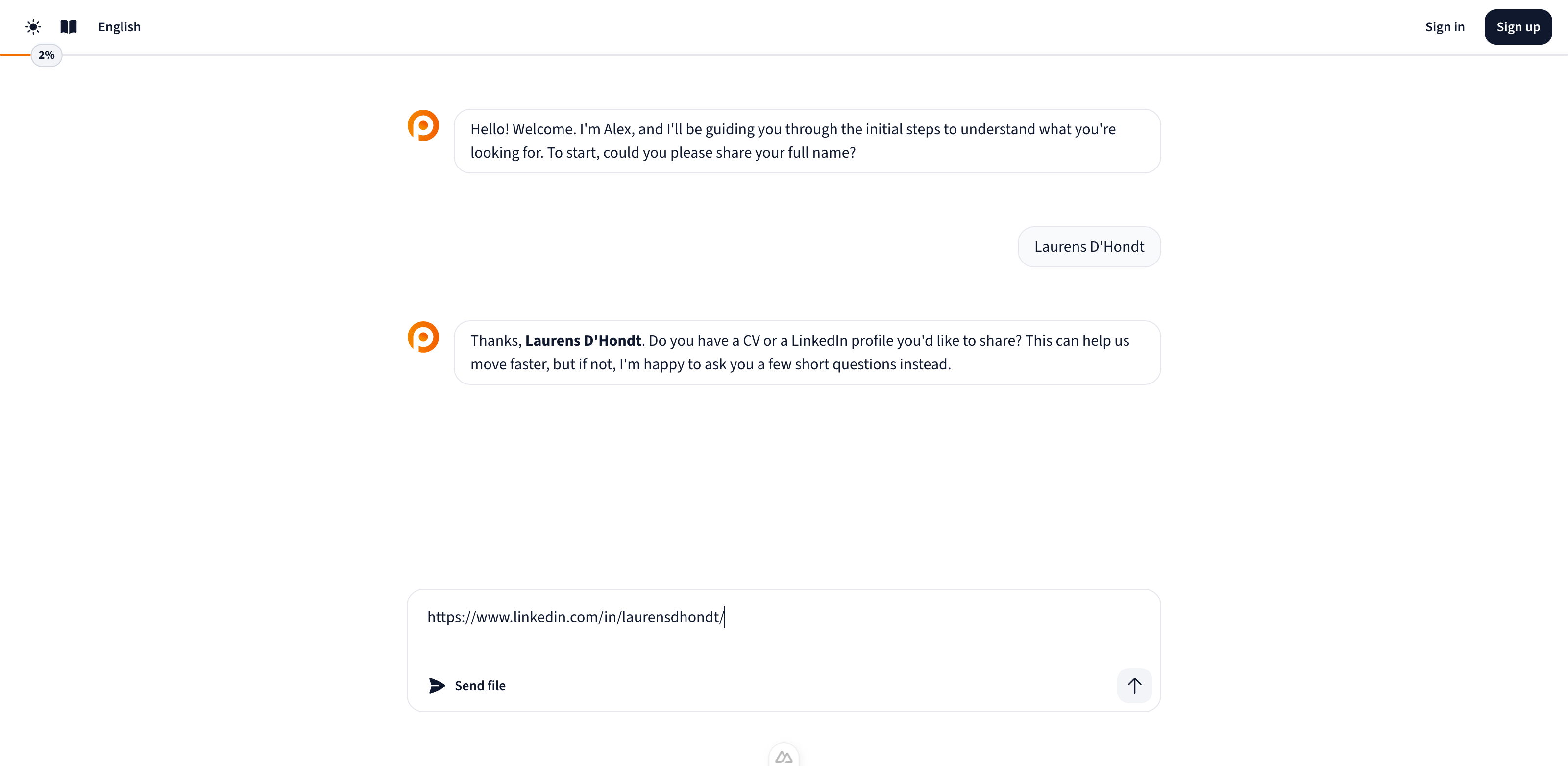
No complex forms. alex invites you into a short and structured conversation to understand what matters to you.
You can share your information in different ways:
Upload your CV
Share your LinkedIn profile
Let Alex search LinkedIn using your name and current employer
You're always in control. If a LinkedIn popup appears, you can accept or dismiss it. Want to try again later? You’ll find it in the Actions menu.
3. The intake: A meaningful conversation
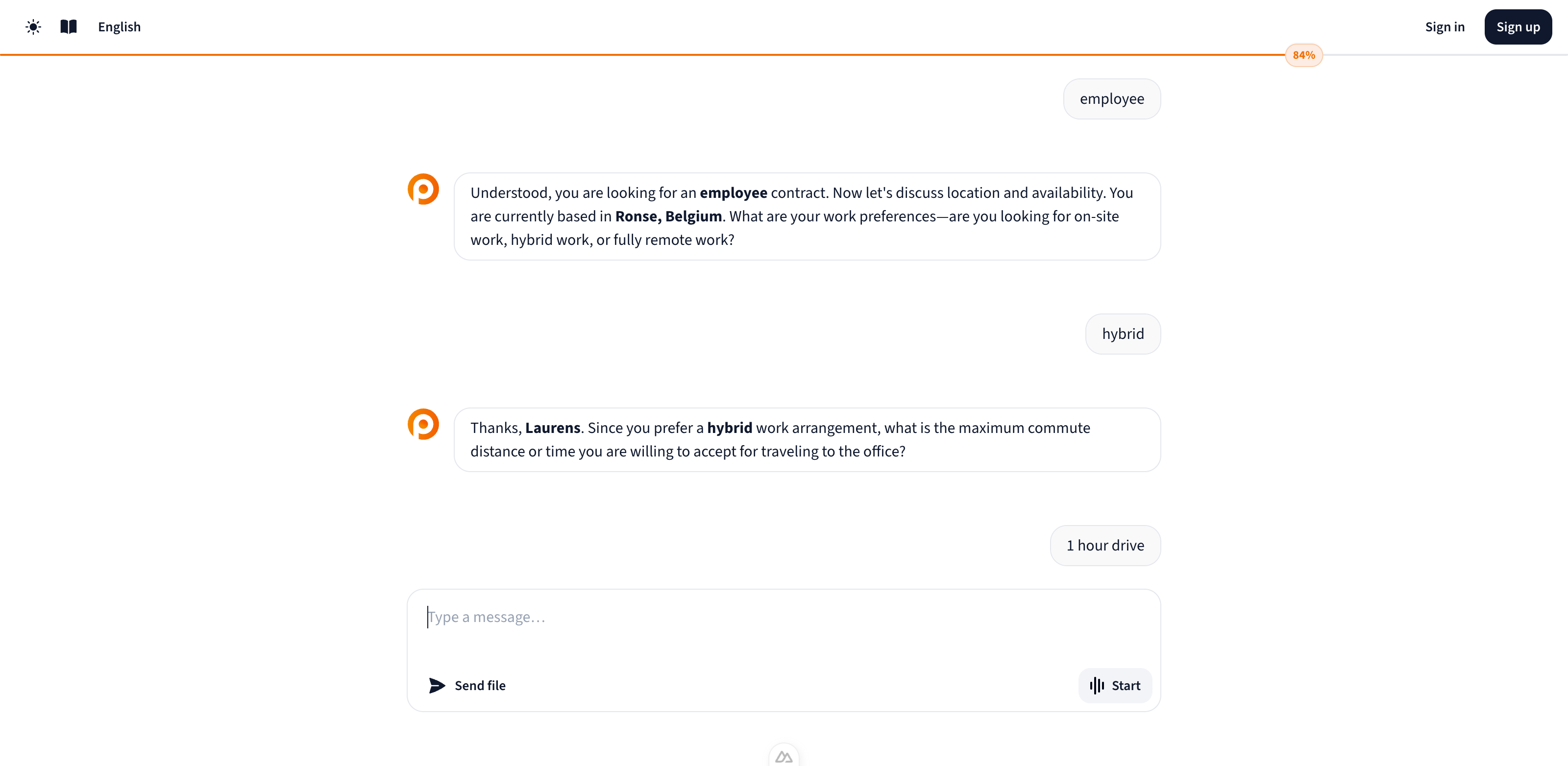
This is where alex gets to know you. You answer short questions, just like you would in a chat with a recruiter.
alex uses your answers to build a clear picture of who you are and what you’re looking for.
Topics include:
Your current role and key skills
How and where you like to work (on-site, hybrid, remote)
Your ambitions, values and expectations
Your availability and flexibility
The more alex understands your profile, the better it can suggest jobs that fit.
4. Starting your first matching
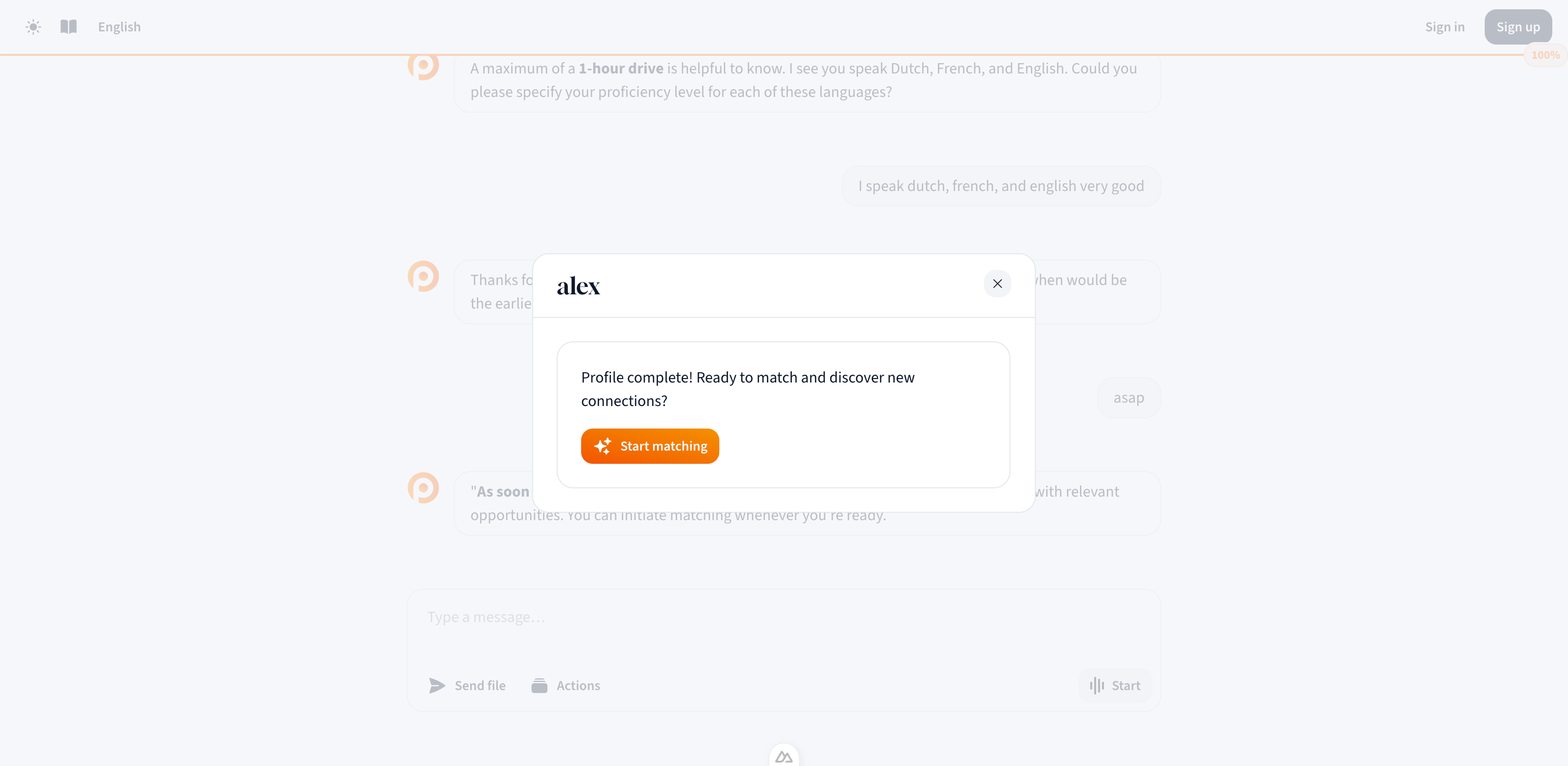
Once your profile is complete, you’ll see a Start matching screen.
Not ready yet? You can always return to it through the Actions menu.
5. Create your account
Before continuing, alex asks for your email to protect your data and store your matches.
You’ll receive a 6-digit code to confirm your identity.
Once confirmed, your account is active and alex can keep you updated about future opportunities.
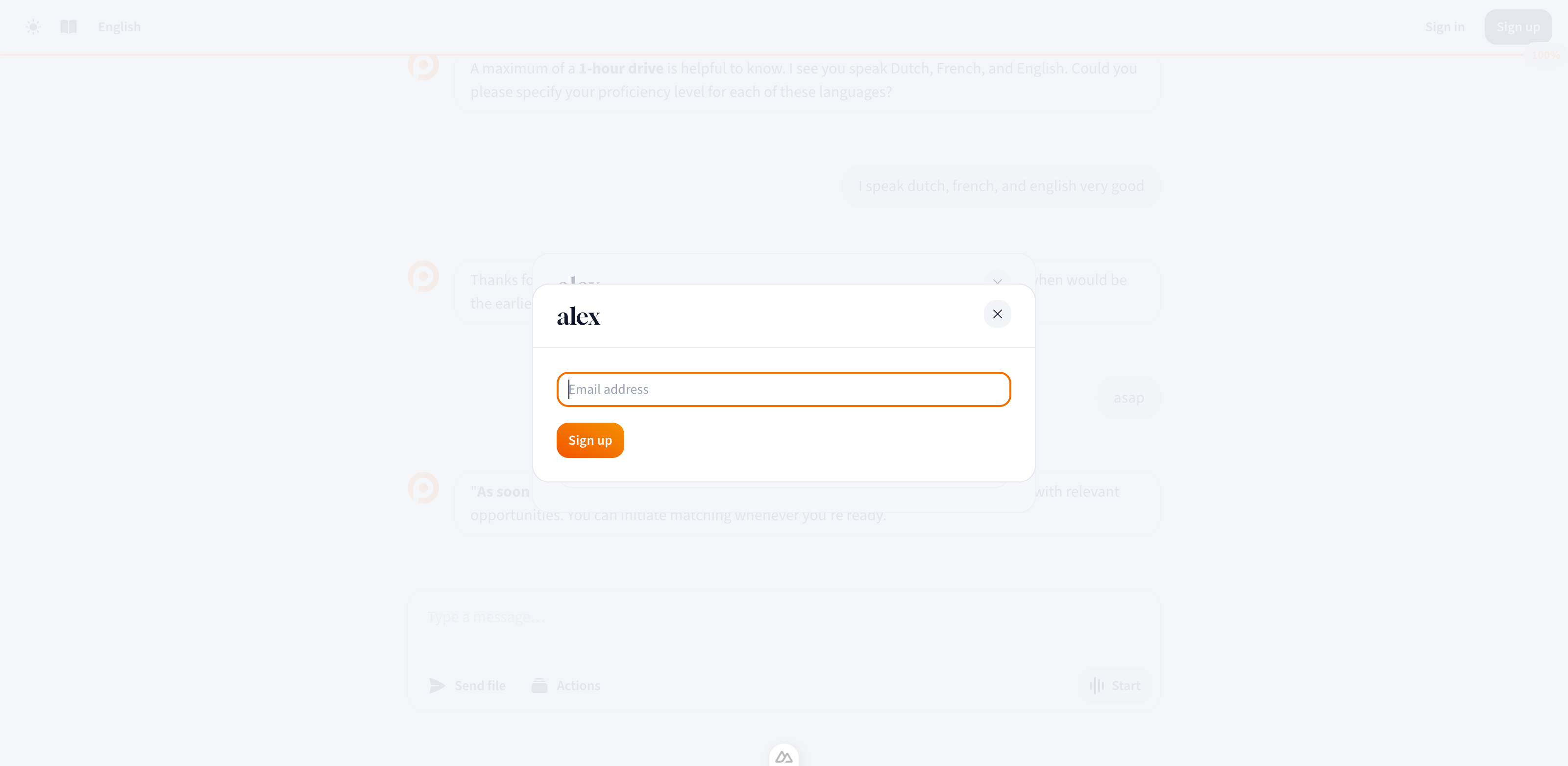
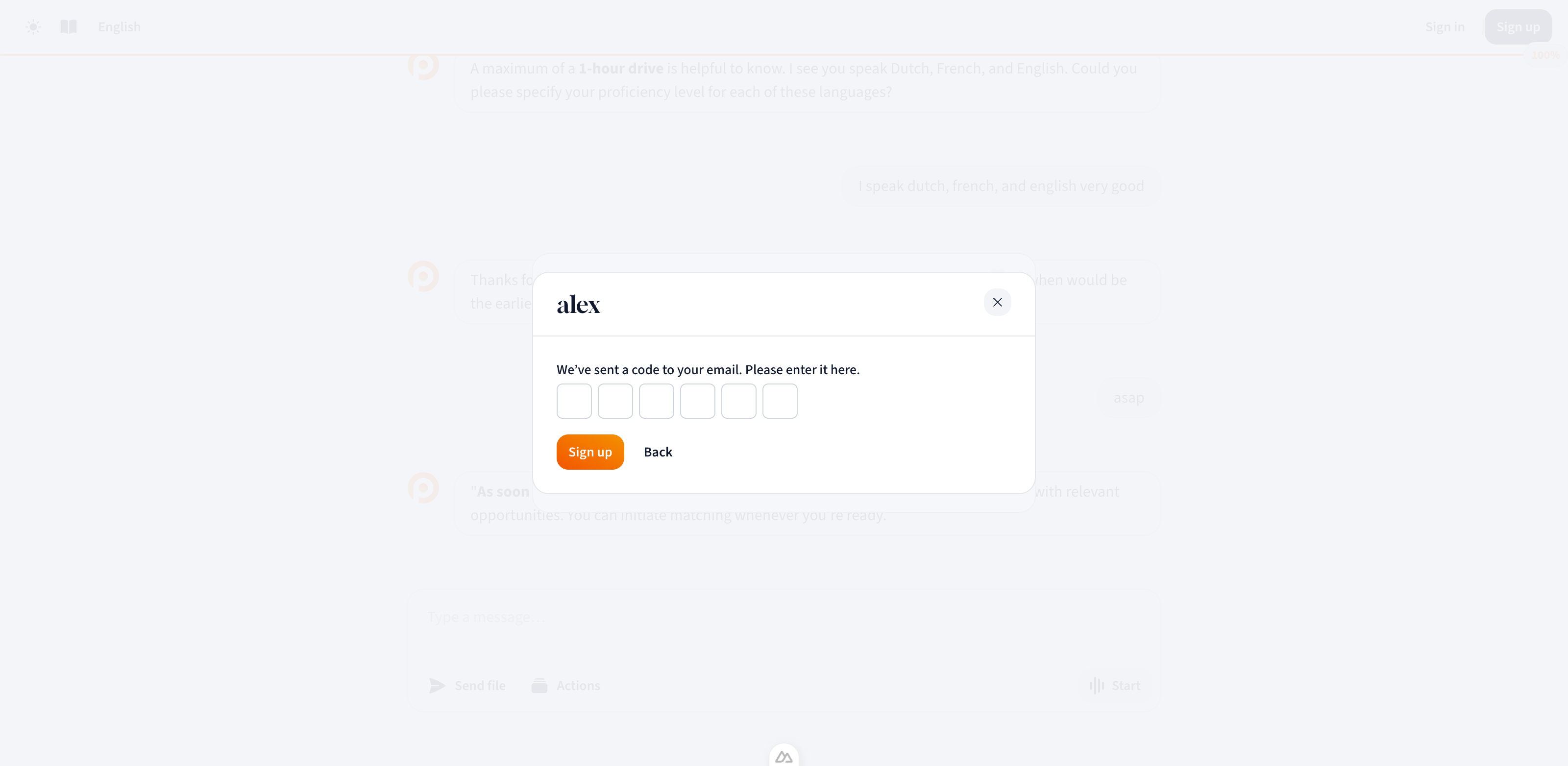
After this step, your account is created and alex can reach out to you in the future when new opportunities become available.
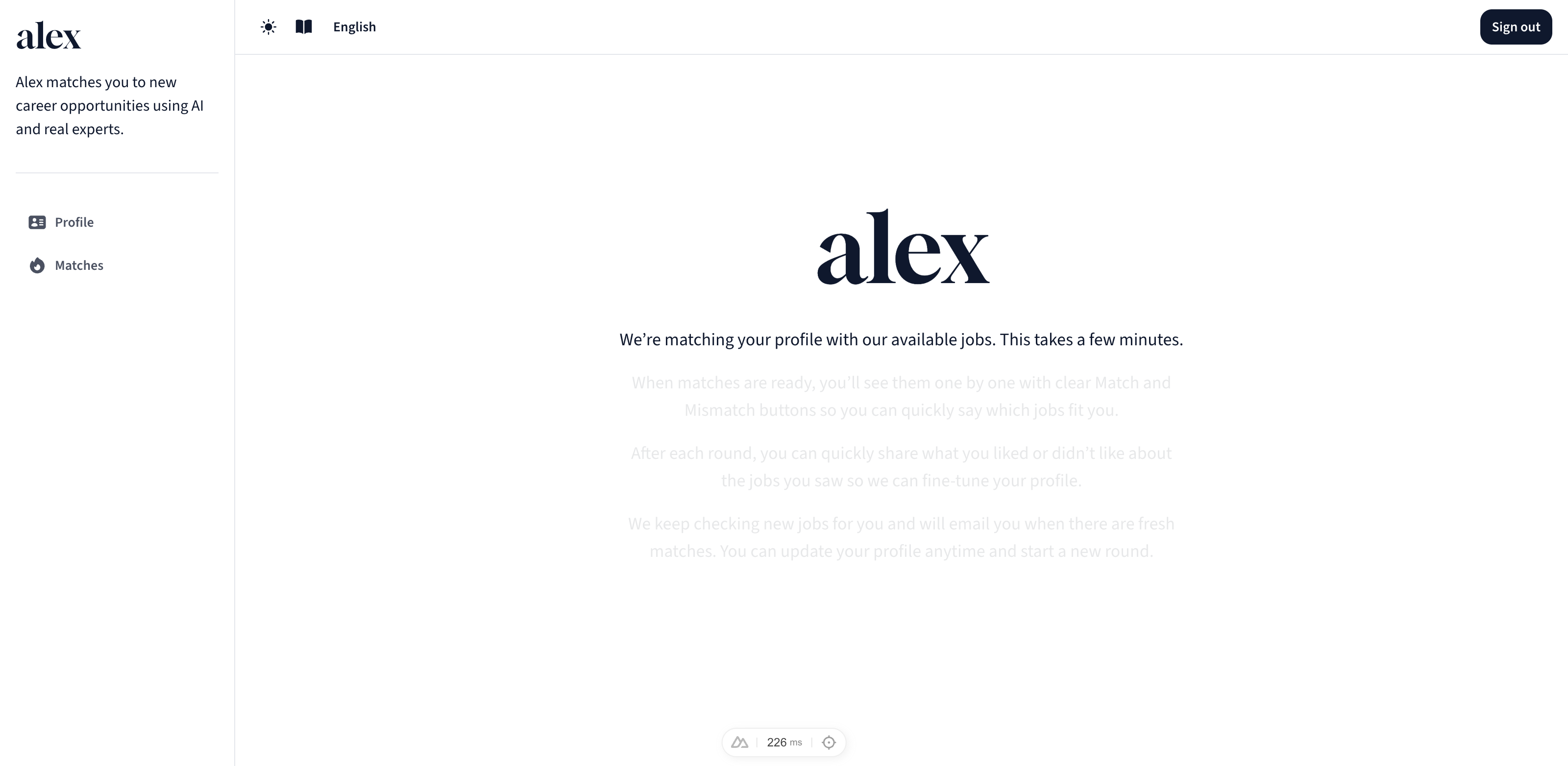
6. Matching in progress
alex compares your profile with available jobs and prepares your matches.
You’ll see a short status screen while the matching runs.
7. Your matches are ready
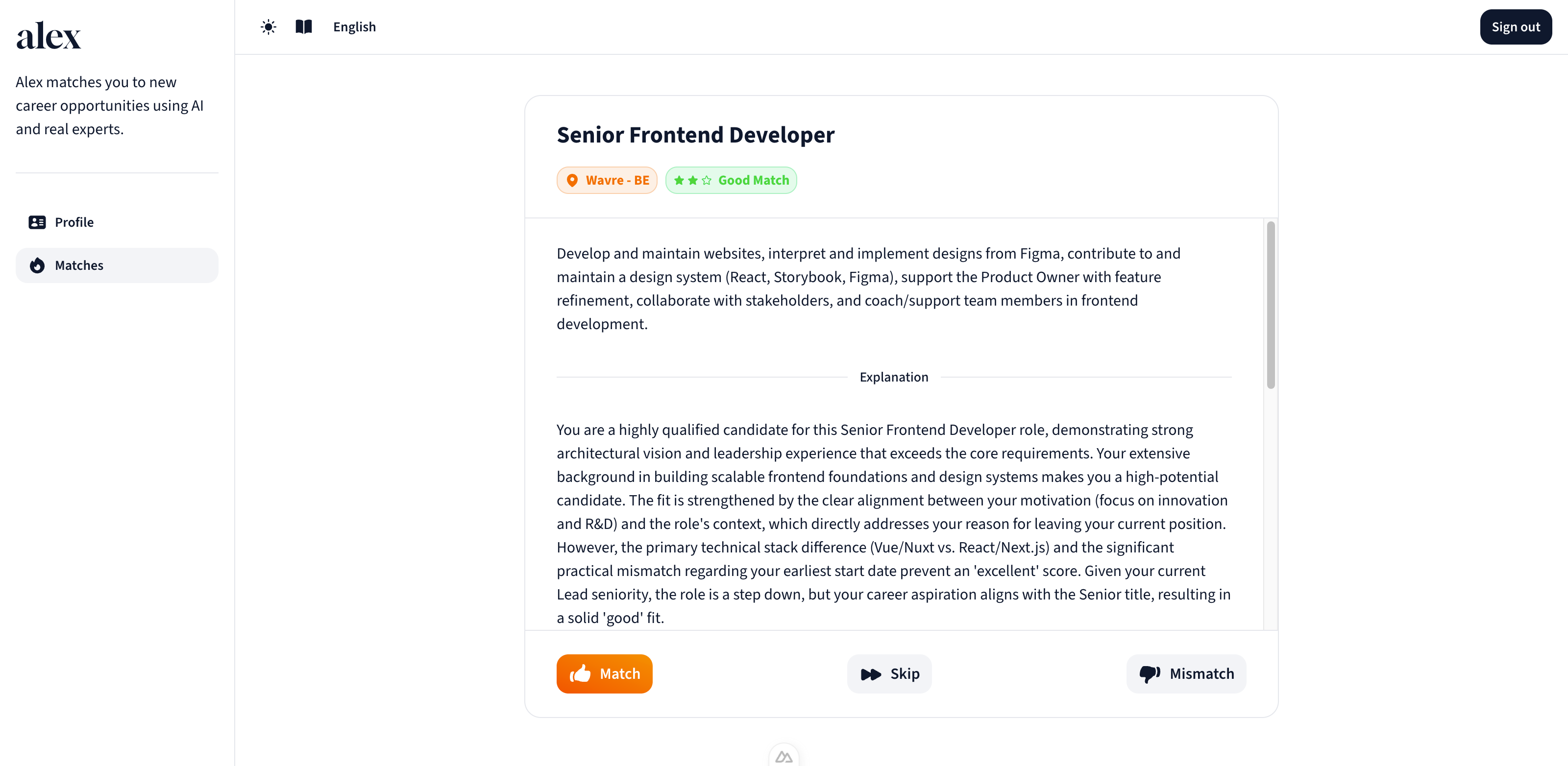
Your personalised job suggestions are now available.
Step 1: Review your matches
Each job appears as a card with three options:
Match
Mismatch
Skip
This gives you full control. If you skip, alex understands that you simply want to continue without judging the role.
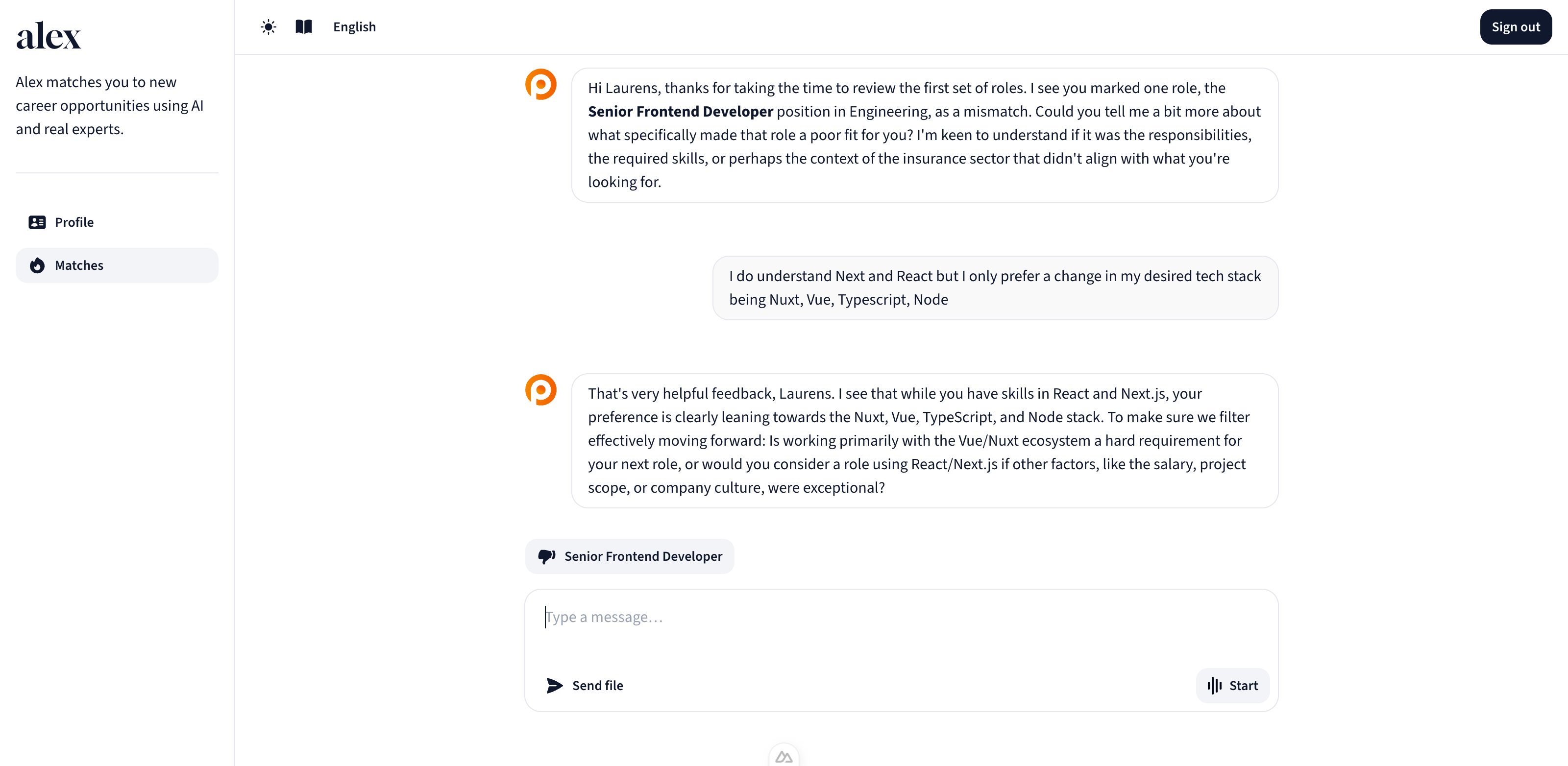
Step 2: A short conversation about the roles
After you review the cards, alex starts a short chat with you about the jobs:
Why do some feel like a fit?
Why not others?
What motivates you most?
This input helps alex refine future suggestions, tailored to your goals and mindset.
Proactive notifications
From now on, alex can reach out when a new job fits your profile.
No need to log in regularly, you’ll be notified automatically.
8. Your profile page
Your profile shows everything alex has learned about you.
Here, you can:
Review or update your details
Start a new matching round
Edit preferences and career goals
Delete your profile at any time
No need to fill in everything. Just update what helps improve your matches.

9. Your career companion
alex continues to learn from your feedback and job interests.
With every update, matching becomes more precise.
Once your account is set up, alex keeps working in the background, scanning new jobs, spotting matches and updating you when it matters.
:format(webp))